
Introduction
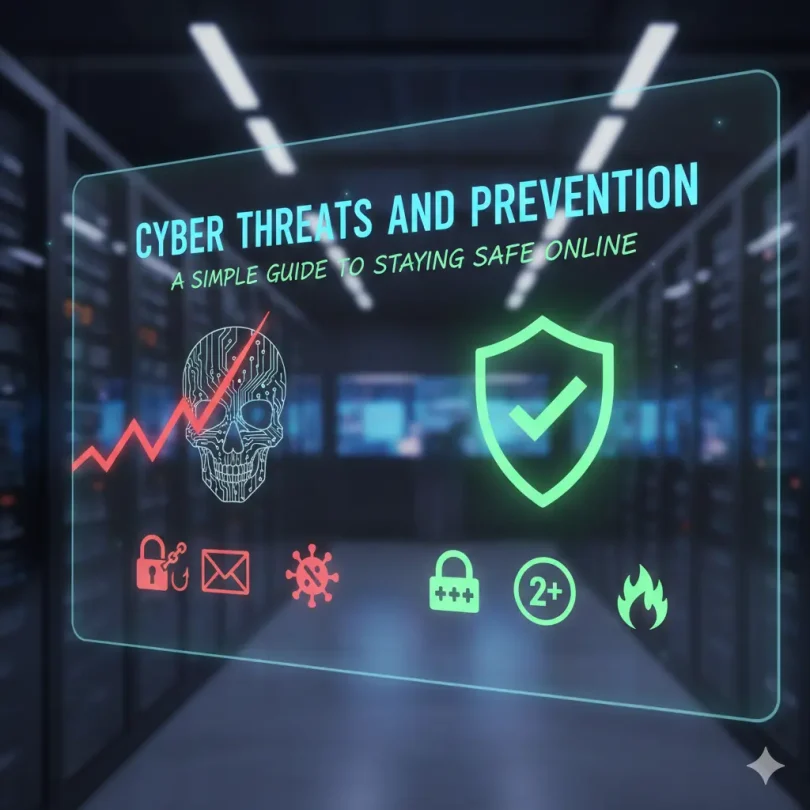
Cyber threats and prevention have become everyday topics because our lives are now deeply connected to the internet. From online banking and shopping to social media and remote work, digital platforms are part of our daily routine. While technology makes life easier, it also opens doors for cybercriminals who look for weak points. Hackers, scammers, and malicious programs are constantly evolving, which means online risks are no longer limited to big companies. Ordinary users are also common targets.
Many people believe cyber threats only affect large organizations, but that is not true. A single weak password, an unsafe download, or a fake email can expose personal data. This may lead to financial loss, identity theft, or privacy violations. That is why understanding cyber threats and prevention is important for everyone, not just IT professionals.
The good news is that staying safe online does not require deep technical knowledge. Simple habits, basic awareness, and smart decisions can reduce most risks. Learning how cyber attacks work helps you recognize danger early and respond correctly. Prevention is always easier and cheaper than recovery.
In this guide, you will learn what cyber threats and prevention really mean, why they matter, and how to protect yourself step by step. The language is simple, the examples are practical, and the tips are easy to follow. Whether you are a beginner or have some experience, this article will help you build safer digital habits with confidence.
What is Cyber Threats and Prevention?
Cyber threats and prevention refer to the risks that exist in the digital world and the methods used to stop or reduce those risks. A cyber threat is any harmful activity that targets computers, networks, or data. These threats can come from hackers, malicious software, or even careless human actions.
Cyber threats include viruses, phishing emails, ransomware, data breaches, and account hacking. Some attacks are designed to steal money, while others aim to spy, damage systems, or disrupt services. Attackers may target individuals, businesses, or governments depending on their goals.
Prevention focuses on actions that protect systems and users before damage occurs. This includes using strong passwords, updating software, installing security tools, and learning how to spot suspicious behavior. Prevention also involves creating habits that reduce exposure to risk.
Cyber threats and prevention work together like a lock and key. Threats represent the danger, while prevention represents defense. Without prevention, even small threats can cause serious damage. With proper prevention, most threats can be blocked or minimized before they cause harm.
Why is Cyber Threats and Prevention Important?
Cyber threats and prevention are important because digital risks affect real lives. A successful cyber attack can lead to stolen money, leaked personal data, or damaged reputations. For businesses, attacks can stop operations and break customer trust.
One key reason is the growing amount of data shared online. People store photos, documents, passwords, and payment details on digital platforms. This data is valuable to attackers. Without proper protection, it becomes an easy target.
Another reason is the rise of remote work and online services. More devices connect to the internet every day, increasing the number of possible attack points. Even a single unsecured device can become a gateway for attackers.
Prevention helps reduce stress and uncertainty. When you know how to protect yourself, you feel more confident using technology. It also saves time and money because recovering from an attack is often costly and slow.
Understanding cyber threats and prevention is no longer optional. It is a basic life skill in the modern digital world.
Detailed Step-by-Step Guide
Step 1: Understand Common Cyber Threats
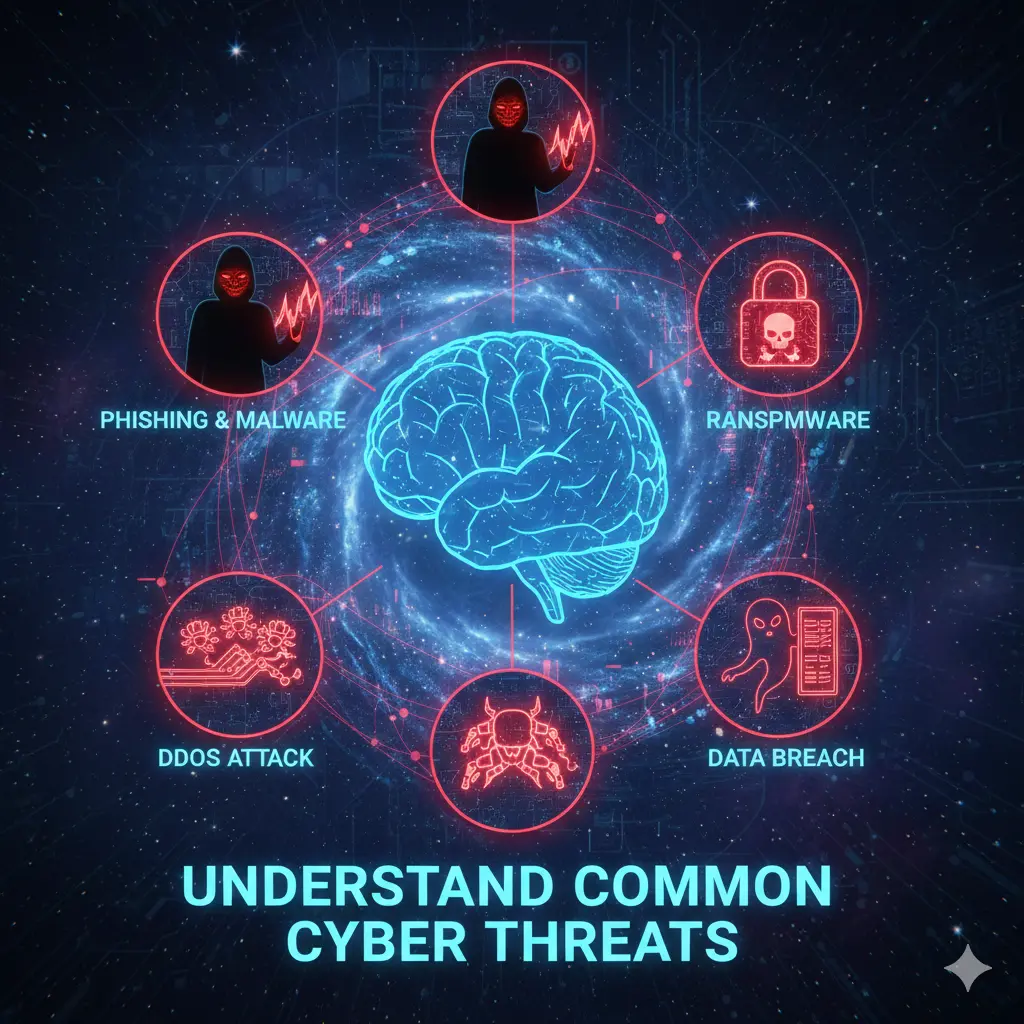
The first step in cyber threats and prevention is awareness. You must know what you are protecting yourself from. Common threats include malware, phishing, password attacks, and data leaks.
Malware is harmful software that damages or spies on systems. Phishing tricks users into sharing sensitive information through fake messages. Password attacks guess or steal login details. Data leaks expose private information without permission.
Knowing these threats helps you recognize warning signs early.
Step 2: Use Strong and Unique Passwords
Passwords are the first line of defense. Weak passwords make attacks easy. Use long passwords with letters, numbers, and symbols. Avoid using the same password for multiple accounts.
A password manager can help store and generate secure passwords. This reduces the risk of forgetting complex passwords while improving security.
Strong passwords are a simple but powerful prevention method.
Step 3: Keep Software and Devices Updated
Updates fix security weaknesses. When software is outdated, attackers can exploit known flaws. Always update your operating system, apps, and security tools.
Enable automatic updates where possible. This ensures you receive protection without manual effort.
Updates are a silent but effective part of cyber threats and prevention.
Step 4: Be Careful with Emails and Messages
Many attacks start with a message. Phishing emails often create urgency or fear. They may ask you to click a link or download a file.
Check sender addresses carefully. Avoid clicking unknown links. When in doubt, verify information through official channels.
Smart email habits can block many attacks.
Step 5: Secure Your Internet Connection
Use secure networks whenever possible. Public Wi-Fi can be risky because attackers may intercept data. If you must use public Wi-Fi, avoid sensitive activities.
A secure home network with a strong router password adds another layer of protection.
Network security is an important prevention step.
Step 6: Install and Use Security Tools
Antivirus and firewall tools help detect and block threats. Choose reliable security software and keep it updated.
Security tools work quietly in the background, providing constant protection.
They are essential for complete cyber threats and prevention.
Step 7: Back Up Your Data Regularly
Data backups protect you from loss. If ransomware or hardware failure occurs, backups allow recovery.
Store backups in a separate location, such as an external drive or secure cloud service.
Backups reduce damage even when prevention fails.
Benefits of Cyber Threats and Prevention
- Protects personal and financial information
- Reduces risk of identity theft
- Builds confidence in using digital services
- Saves money by avoiding recovery costs
- Improves privacy and data control
- Supports safe online communication
- Helps businesses maintain trust
Disadvantages / Risks
- Requires time to learn basic practices
- Security tools may slow older devices
- Overconfidence can lead to carelessness
- Poor configuration may reduce effectiveness
- Human error can still cause breaches
Common Mistakes to Avoid
One common mistake is ignoring updates. Many users delay updates without realizing the risk. Another mistake is trusting every email or message without checking details.
Using simple passwords or sharing them with others is also dangerous. Some people rely only on security software and ignore safe habits. Prevention works best when tools and behavior work together.
Avoid assuming that attacks only happen to others. Awareness and consistency are key to success.
FAQs
What are cyber threats in simple words?
Cyber threats are dangers that come from using computers and the internet. They include hacking, viruses, and scams that try to steal or damage data.
How can beginners start with prevention?
Beginners should start with strong passwords, updates, and careful email habits. These simple steps reduce most risks.
Is antivirus software enough?
Antivirus software helps, but it is not enough alone. Safe behavior and awareness are equally important.
Can mobile phones face cyber threats?
Yes, phones can be attacked through apps, messages, and unsafe networks. Mobile security is just as important.
Why do attackers target regular users?
Regular users often have weaker security. Personal data and small financial gains add up for attackers.
What should I do if I suspect an attack?
Disconnect from the internet, change passwords, and scan your device. Acting quickly can limit damage.
Expert Tips & Bonus Points
Think of cyber threats and prevention as a daily habit, not a one-time task. Review your security settings regularly. Educate family members about safe practices.
Use two-factor authentication where available. This adds an extra layer of protection. Stay calm during suspicious situations and avoid rushed decisions.
Learning from small mistakes improves long-term safety.
Conclusion
Cyber threats and prevention are closely linked to how we live and work today. As digital tools continue to grow, so do the risks associated with them. However, fear is not the solution. Knowledge, awareness, and simple preventive actions make a real difference.
Understanding common threats helps you stay alert. Using strong passwords, keeping systems updated, and being careful with messages create a solid defense. Security tools and backups provide extra support when things go wrong. Together, these steps form a practical protection strategy.
The most important lesson is consistency. Cyber safety is not about one perfect action but about many small smart choices. Even beginners can build strong protection by following basic guidelines. Over time, these habits become natural and effortless.
By focusing on cyber threats and prevention, you take control of your digital life. You reduce risks, protect your data, and enjoy technology with confidence. Staying safe online is possible for everyone when prevention becomes a priority and awareness guides every click.